Void Stranger cursor pack for Windows
welcome! this is a little set of cursor animations i made for my computer after playing Void Stranger. did you know you can right click in that game to show a little feather cursor? pretty neat! the base animation was created by screenshotting the individual sprites and putting them together myself.
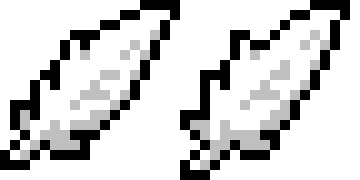
there are some other animations that i came up with myself for other cursor states: i use the first one here for when i'm hovering a link, and the second for loading/busy states.
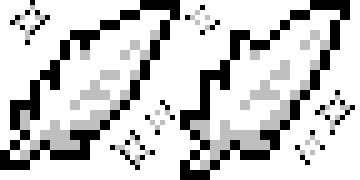
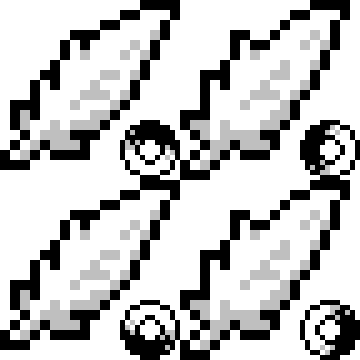
if you'd like to download them, click here for a zip file containing the 3 animations above in .ani form.
to use these files in Windows: open Mouse Properties- you can find this menu via your search bar or Control Panel > Hardware and Sound > Devices and Printers > Mouse. Select the "Pointers" tab, then change each state you'd like under "Customize". for the examples above, i changed "Normal Select", "Working in Background", "Busy", and "Link Select".
making custom cursors in other OSes seems like a lot more work and i haven't had the time to sit down and learn how to do it (on Linux-- i straight up don't have an apple device.) - if you read this page and know how to do it, or feel kind enough to put it together for me, please contact me on bluesky or email me at quettatonia@gmail.com. if so, i will credit you and add the files here!!
thanks for checking out the page! play System Erasure's Void Stranger if you haven't already! it's one of my favorite games ever!!!
- Void Lord Ett